


 Help
Help



For first-time users
At YK Shoji, you can search listed heavy equipment and construction machinery by multiple conditions.
User guide
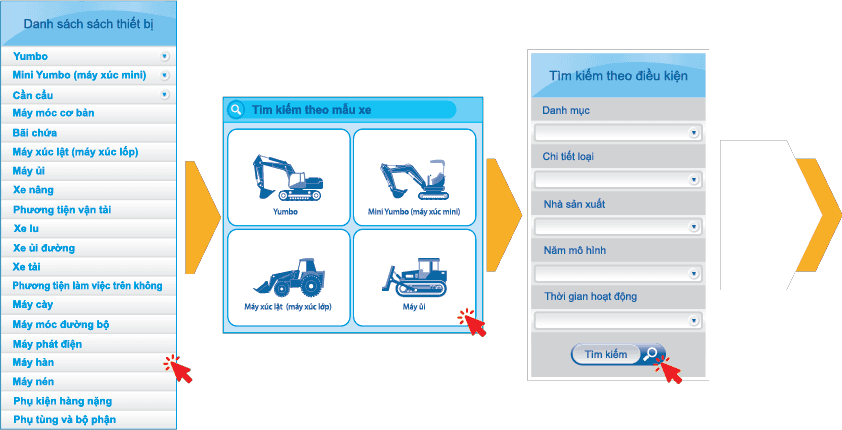
- ※ Click "Search by model list" or "Equipment list" on the first screen.
- ※ Select "Category", "Type detail", "Manufacturer", "Model year", and "Operating hours" to narrow your search. Finally, click Search.
Using the cart
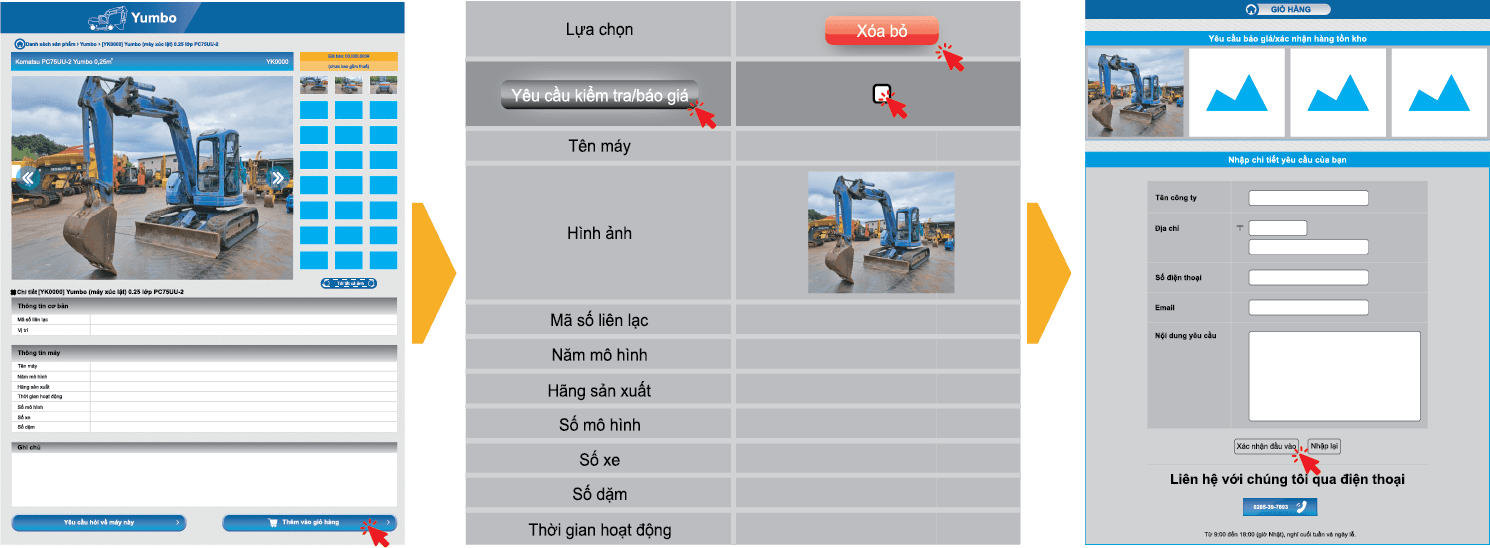
- ※ Click "Add to cart" on the product detail page.
※ You can manage cart items. Click "Delete" to remove an item from your cart.
※ You can check stock and request a quotation from your cart at the same time. Click "Inspection/quotation".
- ※ An inquiry form will be displayed. Enter your name, email address, and inquiry details. Check the details you entered and click "Confirm input". To edit the content, click "Reset".
Inquire about this machine
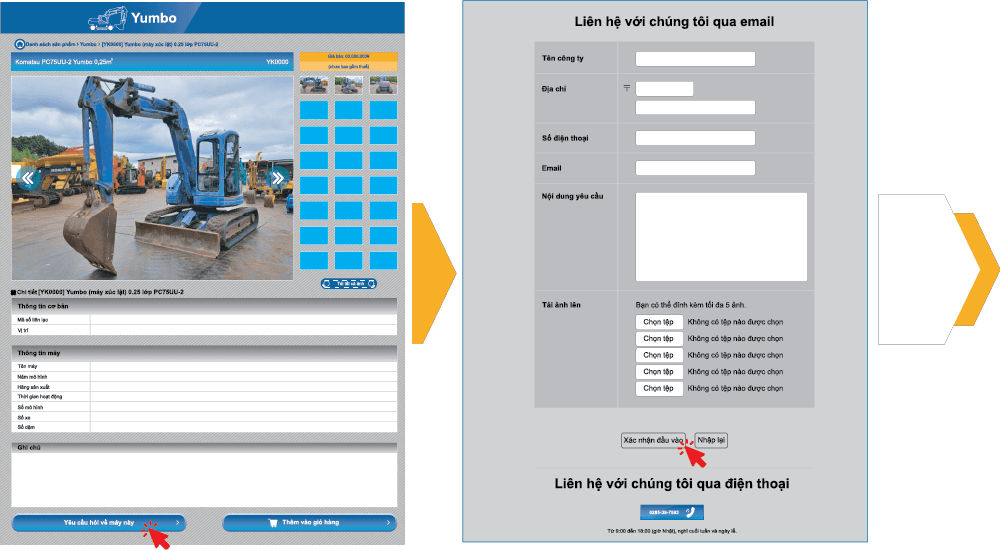
- ※ Click "Inquire about this machine" on the product detail page.
- ※ An inquiry form will be displayed. Enter your name, email address, and inquiry details. Check the details you entered and click "Confirm input". To edit the content, click "Reset".
Daily updates
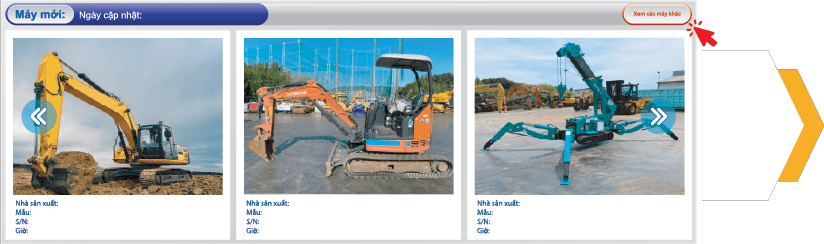
- ※ Click "View other machines" on the product detail page.